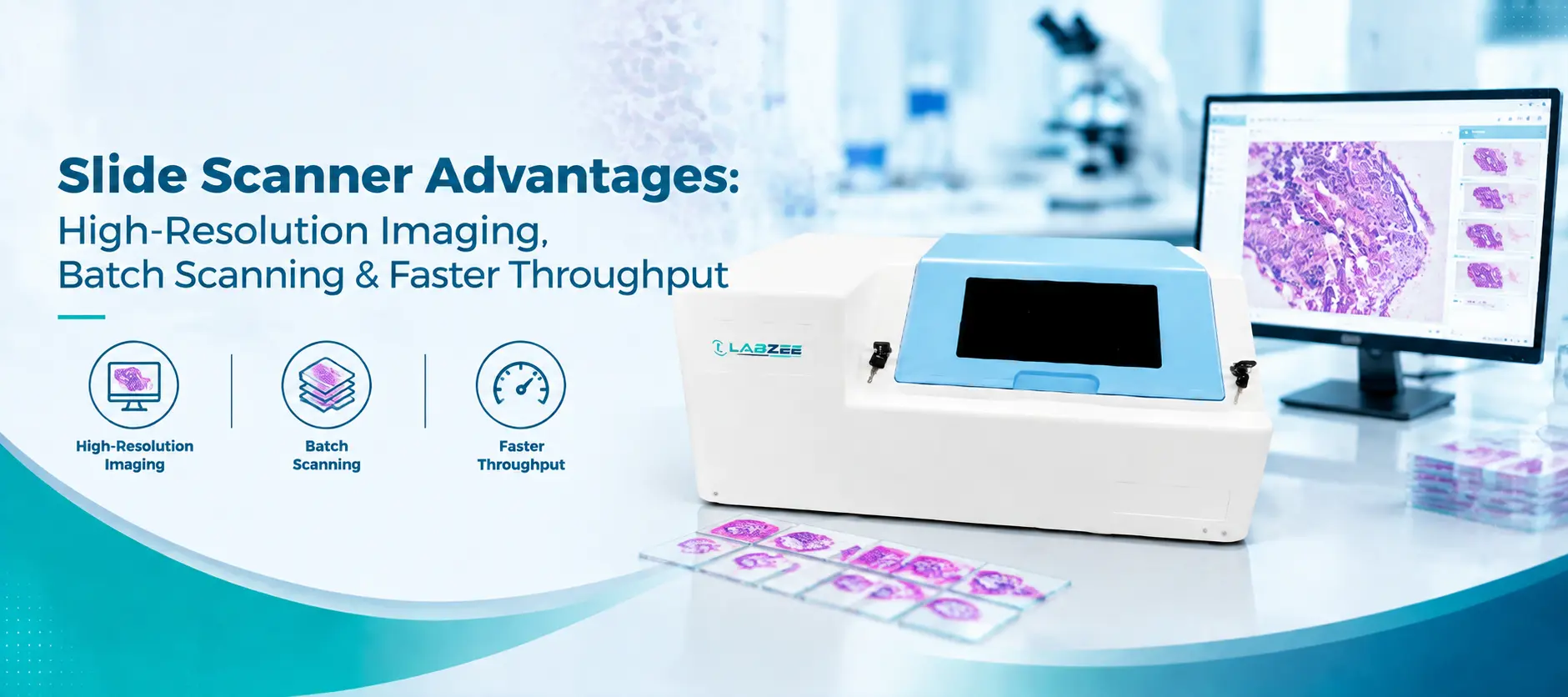
Three figures decide how well a digital pathology slide scanner actually performs in daily use: how much detail the image captures, how many slides it processes without operator intervention, and how quickly each one finishes. This article looks at what each of these three factors changes in practice, using the Digital Pathological Slide Scanner BZDMS-501 as a working example.
Determines how much fine tissue detail is captured and preserved for later review.
Reduces how often an operator has to return to the scanner mid-run to load the next slide.
Shortens the time between loading a set of slides and having finished digital images to review.
The BZDMS-501 captures each field through a 20× objective with a 0.75 numerical aperture, producing an image resolution of up to 0.25µm per pixel. Z-axis autofocus holds that same 0.25µm resolution as it adjusts across the slide, which matters because a section with uneven thickness can drift out of focus in one region even while another stays sharp. A camera resolution of 3200 × 2200 pixels per field is what gets stitched into the finished whole-slide image once fields are combined.
This is the technical basis for a microscope slide scanner claiming diagnostic-grade detail rather than a lower-resolution overview image: the pixel size at capture sets a hard ceiling on how much can be seen later, however the image is displayed or zoomed afterward.
An automated microscope slide scanner that holds only one slide at a time needs an operator standing by between scans, while the BZDMS-501's 6-slide capacity lets a run proceed with far less supervision. Automated smear contour detection means the operator does not have to manually outline tissue boundaries before each slide starts, and the unit supports adding samples mid-run and pausing or stopping a run in progress, which matters when an urgent slide needs to jump the queue.
Batch scanning diagram: 6-slide tray loading sequence and automated per-slide scan order
Add a labelled diagram showing the slide tray layout and scan sequenceLabs weighing batch capacity against bench space can compare configurations directly on the Labzee slide scanner category page, where capacity is listed alongside resolution and scan speed for each model.
Taking a slide scanner to digital output at a rate of 180 seconds or less per sample, backed by a frame rate of 75 frames per second or higher during capture, is what makes a multi-slide batch practical rather than a bottleneck. Targeted scanning of a selected region also plays into throughput indirectly: instead of rescanning an entire slide at higher magnification, a reviewer can rescan just the area of interest, saving the time a full rescan would otherwise take.
A slide scanner histology teams run at high volume benefits from all three factors working together: resolution that holds up under close review of each slide scanner tissue section it captures, batch capacity that keeps a run going unattended, and scan speed that clears a full day's caseload before results are needed. Hospital pathology departments working against same-day turnaround times and research centers processing study batches in a single sitting both depend on this combination rather than any one figure alone it is why a slide scanner used for routine caseload rarely gets chosen on resolution or speed in isolation; a wsi scanner with excellent resolution but slow per-slide speed, or fast scanning with only single-slide capacity, still leaves a bottleneck somewhere in the workflow.

| Specification | Value |
|---|---|
| Camera resolution | 3200 × 2200 px, 1″ sensor, full-frame shutter |
| Objective magnification | 20× |
| Numerical aperture | 0.75 |
| Image resolution | ≤0.25µm/pixel |
| Slide capacity | 6 slides |
| Scan speed | ≤180 seconds/sample |
| Frame rate | ≥75 frames/second |
| XY stage resolution | 5µm |
| Z autofocus resolution | 0.25µm |
| Light source | LED, >20,000 hours |
| Image formats | JPEG, BMP |
| PC configuration | Embedded PC, NVIDIA GPU, USB 3.0 |
| Dimensions (W×D×H) | 698 × 464 × 345 mm |
| Weight | 35 kg net, 75 kg gross |
Digital pathology scanner models in Labzee's line differ mainly by slide capacity, with configurations spanning 6, 60, 120, and 240 slides for labs running different batch sizes; buyers typically compare that capacity figure alongside resolution and scan speed rather than treating any single spec as decisive. The full lineup is available on the Labzee slide scanner category page, and the broader catalog of laboratory equipment Labzee carries beyond slide scanners is available from the Labzee home page.