Slide Scanners from Labzee provide digital imaging of microscope slides by converting glass slides into high-resolution digital images with suitable Image Resolution for viewing, analysis, storage, and sharing. Digital Pathology Slide Scanners support Automated Slide Scanning, Whole-Slide Imaging, variable magnification, and Multi-Slide Scanning for laboratory workflows. In pathology and histology, a Digital Pathology Scanner helps digitize tissue slides through Automated Image Acquisition for detailed examination, image review, and documentation. Our Microscope Slide Scanners support multiple magnifications and slide formats for whole-slide scanning, providing digital images for pathology research and image analysis in routine laboratory workflows.
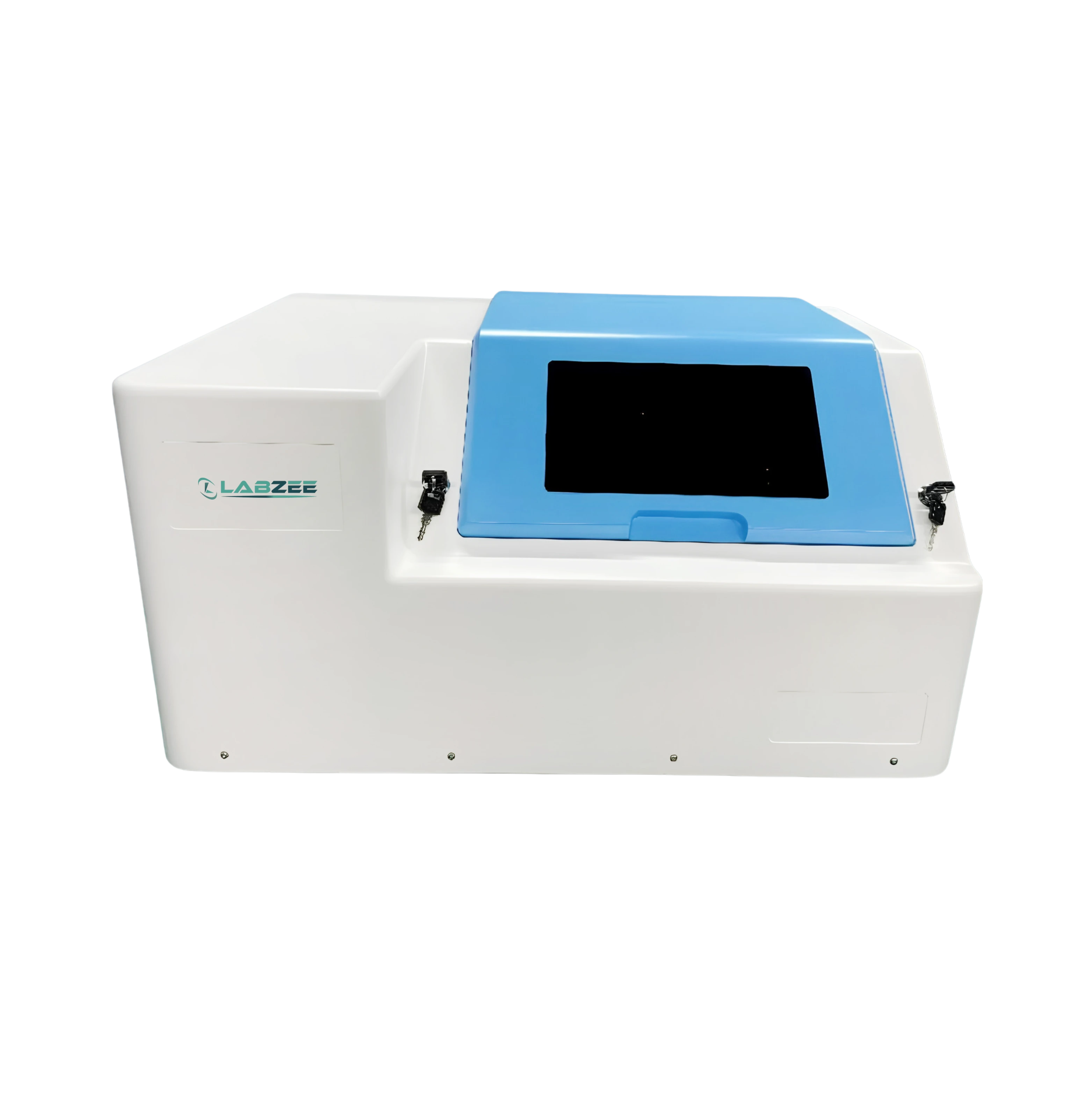
Camera Resolution: 3200×2200, 1” global shutter
Slide Capacity: 6 Slides
Frame Rate: ≥75 Frames/Second
Objective Magnification: 20x
$ 44275
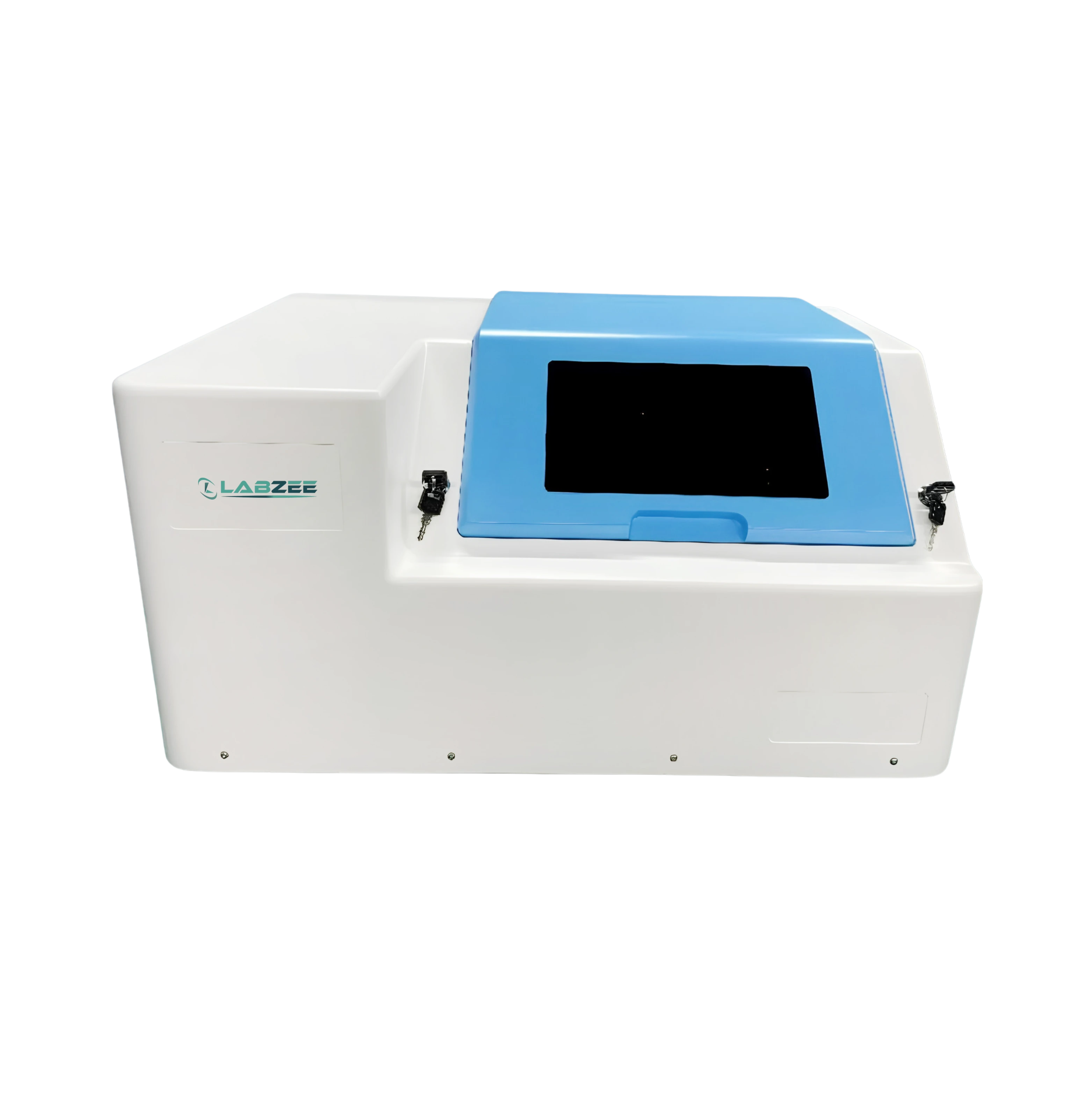
Camera Resolution: 3200×2200, 1” global shutter
Slide Capacity: 60 Slides
Frame Rate: ≥75 Frames/Second
Objective Magnification: 20x
$ 44275
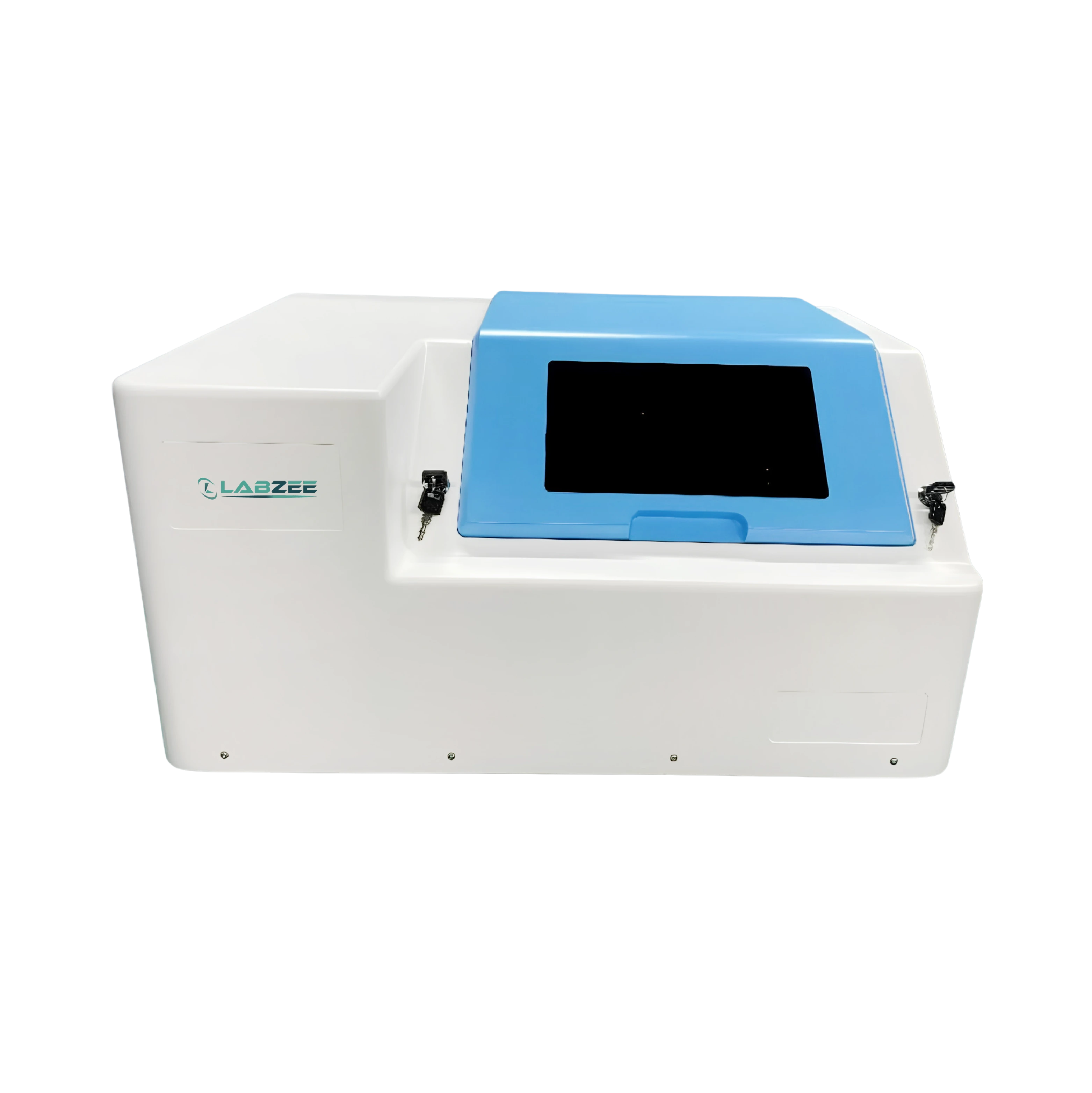
Camera Resolution: 3200×2200, 1” global shutter
Slide Capacity: 120 Slides
Frame Rate: ≥75 Frames/Second
Objective Magnification: 20x
$ 79051
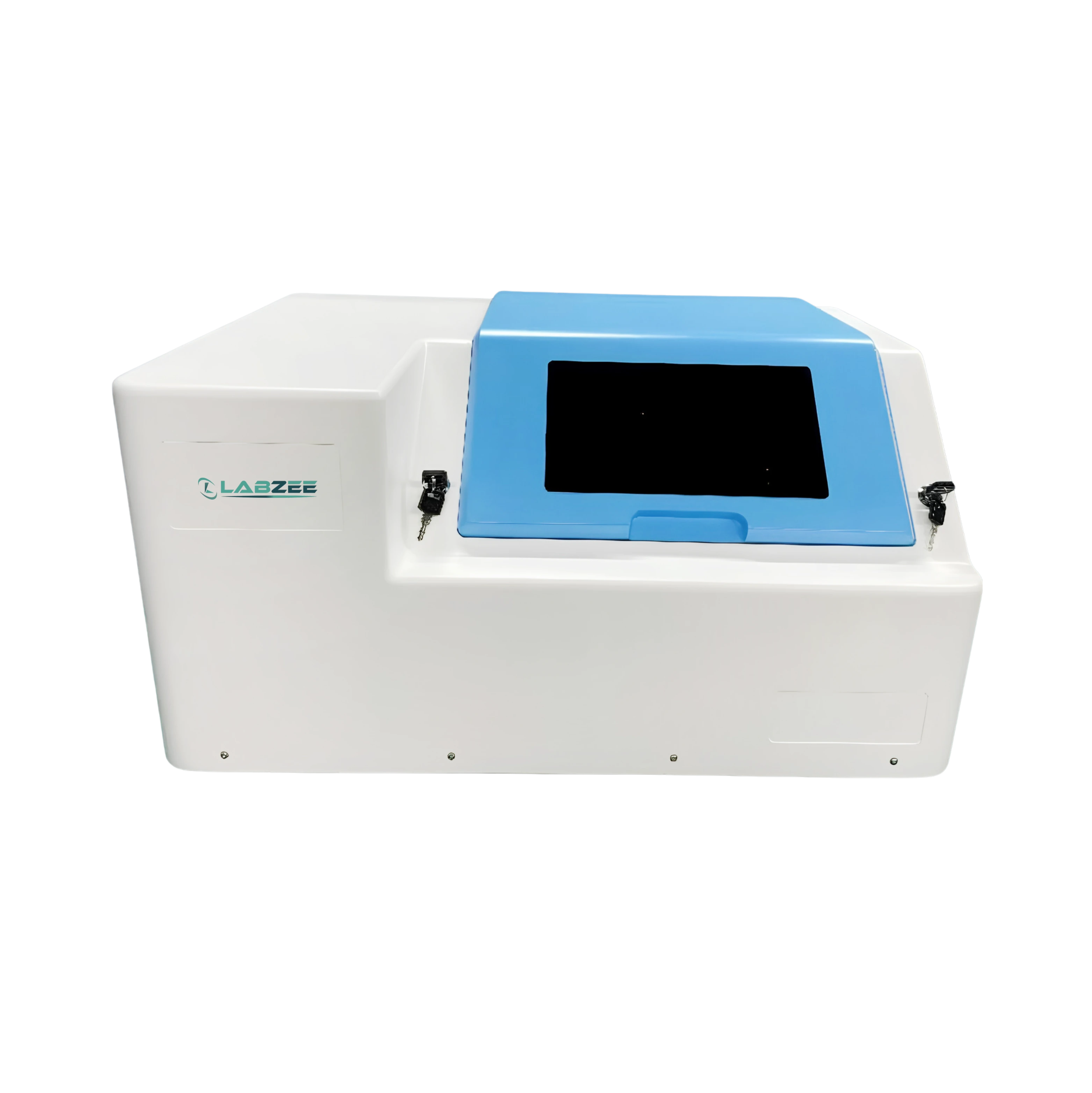
Camera Resolution: 3200×2200, 1” global shutter
Slide Capacity: 240 Slides
Frame Rate: ≥75 Frames/Second
Objective Magnification: 20x
$ 99004
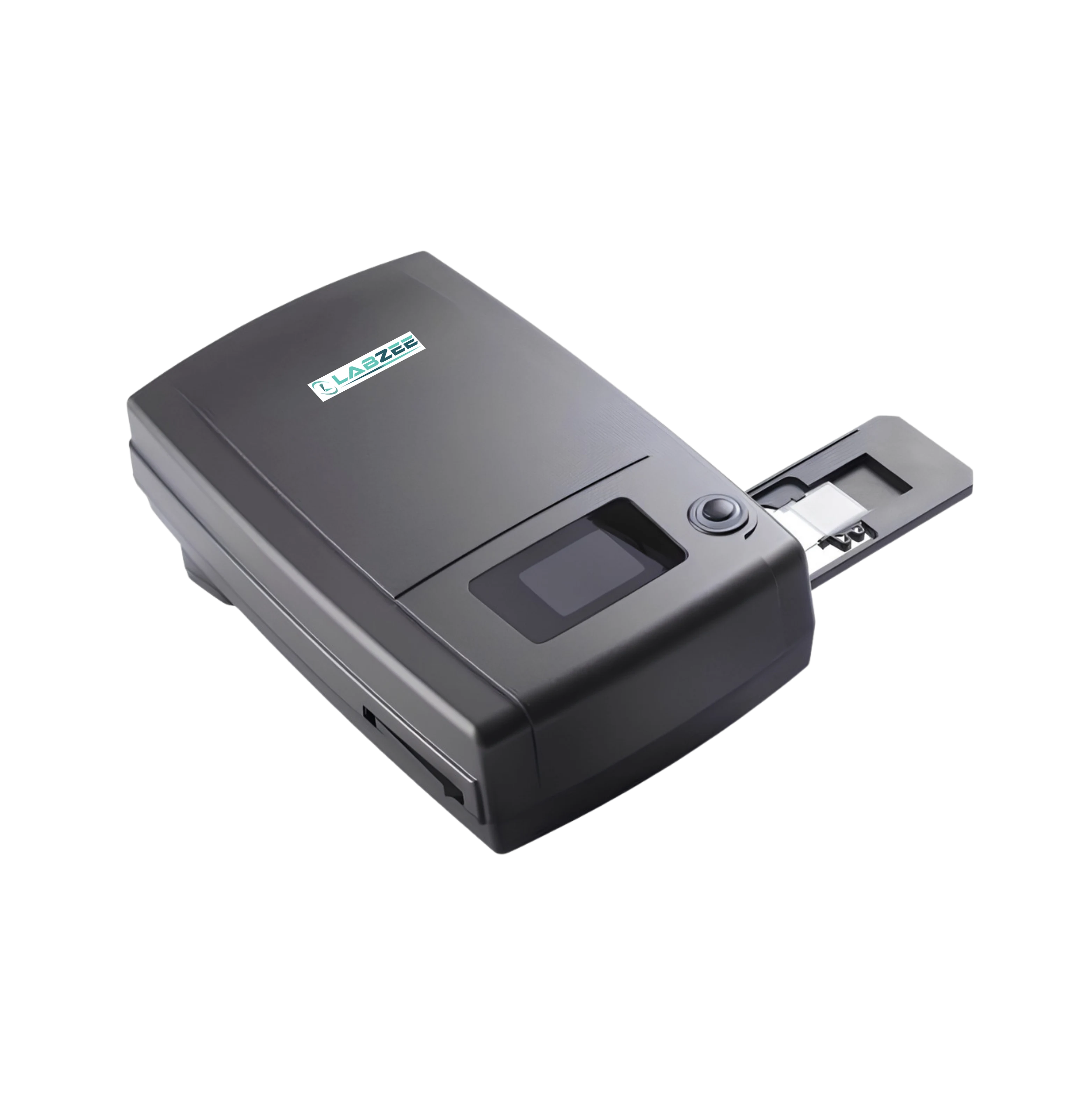
Optical Resolution: 75x magnification
Maximum Resolution: 10,000 × 10,000 DPI
Dynamic Range: 3.8 OD
Scan Area: 24.3 × 36.5 mm
$ 1728
Frequently Asked Questions
1: When is a Slide Scanners used in the lab?
It is used to convert physical microscope slides into digital images for analysis or storage. Slide Scanning reduces reliance on physical archives and manual microscopy. It supports education, diagnostics, and research.
2: Can it scan multiple slides at once?
Yes, most Slide Scanners include automated loading trays for batch scanning. They reduce manual handling and improve throughput. Batch capacity depends on the model.
3: Can it integrate with existing pathology software?
Yes, Slide Scanners are compatible with LIS and digital pathology platforms. This allows direct storage, viewing, and annotation of scanned slides. Some models support DICOM and cloud-based workflows.
4: When should calibration or maintenance be performed?
Regular calibration ensures consistent image quality and color accuracy. Routine cleaning and monthly system checks are recommended. Follow the manufacturer's maintenance schedule for best results.
5: Can differently slide sizes or types be scanned?
Yes, standard 25 × 75 mm slides are universally supported. Some models can handle special sizes with adapters. Always confirm compatibility before use.
