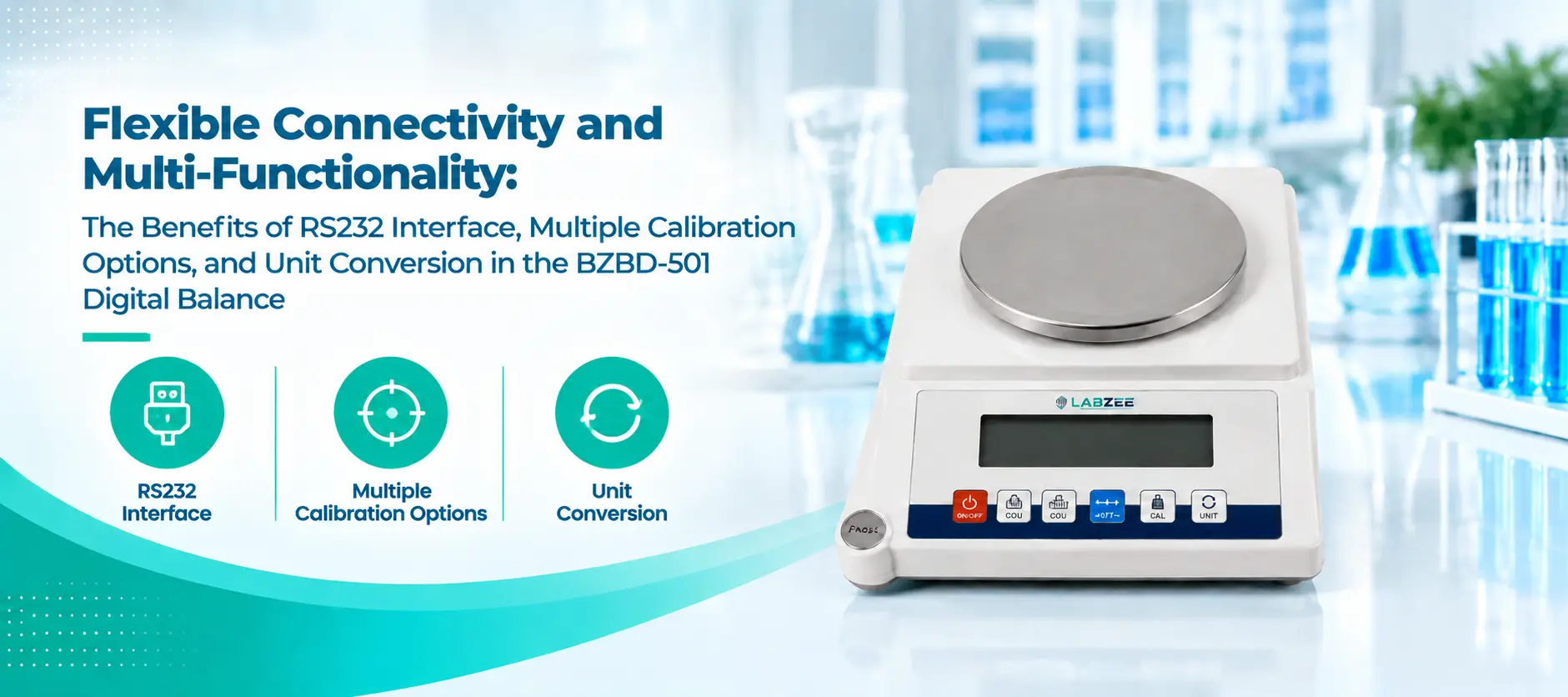
A balance is judged first on the number it reports, but how that number leaves the pan and moves through a laboratory matters almost as much. A wired data link, a choice of calibration methods, and on-screen unit conversion are the features that turn a standalone scale into part of a workflow. The Digital Balance BZBD-501 carries all three, so a reading can be sent to a record, verified against a chosen reference, and shown in the unit a task needs. This article explains how each of these functions works, where they change day-to-day practice, and the points buyers overlook when they judge a balance on the display alone.
The RS232 interface is a serial port that lets the balance pass its reading directly to a computer, printer, or laboratory system as text. Instead of an operator copying a figure onto a form, each weight travels down the cable exactly as displayed, which removes transcription errors and timestamps the entry. On an electronic balance handling many samples in a shift, that link is the difference between a clean audit trail and a stack of handwritten notes.
The port is straightforward to set up: matching baud rate, data bits, and parity between the balance and the receiving device is usually all it takes, and most data-capture or spreadsheet tools read the stream without special software. Because the connection is wired, it stays steady in settings where wireless is unwelcome, which is one reason a laboratory digital balance still ships with a serial port long after consumer devices dropped it. The digital balance diagram below traces that wired path from the pan through to a saved record.
A wired serial path from the pan to a saved record
Calibration is how a balance is kept honest, and offering several methods lets a laboratory match the check to its situation. External calibration uses a certified reference mass placed on the pan, which suits a facility that keeps traceable weights and needs documented verification. Internal or motorised calibration uses a built-in weight the instrument applies on command or on a schedule, handy where reference masses are not always to hand or where temperature shifts call for frequent checks. A laboratory balance that offers both leaves the method to the user rather than the hardware.
Having both routes on one digital weighing balance means a user can run a quick internal check between batches and a full external calibration when records demand it. Span and linearity adjustments extend that flexibility across the working range, so a digital balance machine stays accurate at light and heavy loads alike rather than only near the calibration point.
Unit conversion lets the operator switch the display between grams, milligrams, carats, ounces, and other units without recalculating by hand. The underlying measurement does not change; the balance simply presents it in the form the task expects, which cuts a common source of arithmetic error when results cross between metric and other systems.
In practice, this saves steps wherever one balance serves several jobs. A gem lab reads carats, a food line reads grams, and a research method may call for milligrams, yet one digital weight machine covers them at the press of a key. For a small digital balance shared across a mixed workload, switchable units keep one instrument useful to people working to different conventions, and a mini digital balance on a crowded bench avoids the clutter of a separate conversion chart.

The BZBD-501 belongs to the wider group of weighing balances, a category that runs from analytical models reading to fractions of a milligram, through general benchtop units, to higher-capacity platform balances. When comparing a digital balance machine, buyers weigh capacity against readability, but the surrounding functions increasingly decide the choice: which data ports are fitted, how the unit calibrates, and which display units it offers. The digital balance laboratory context in particular rewards a serial or data link, since results usually have to reach a record rather than stay on the screen.
To see how the range fits together, you can browse the full lineup on the weighing balances category page, which groups models by capacity and features. This line is one part of a broader instrument catalogue, and the Labzee laboratory equipment homepage sets out the other disciplines the company covers, which helps a buyer plan a weighing purchase alongside wider lab needs.
Connectivity, calibration, and unit options are easy to tick on a datasheet and easy to misjudge in use.
An RS232 socket still needs matching settings and the right cable, and some systems expect a particular output format. Confirming how the balance formats its data avoids a link that connects but sends nothing usable.
Internal calibration is convenient but does not replace verification against a certified external mass where traceability is required. Knowing which the work demands prevents a compliance gap later.
A balance may convert between common units yet omit a specialised one a field needs. Checking the unit list against the task, and comparing models across the Labzee weighing balances range, avoids a surprise after purchase.
A data link and multiple calibration modes add value only if the workflow uses them. Grasping the intended digital balance use before buying keeps the choice matched to how the instrument will really be worked.
The table sets out what the connectivity and multi-function features add over a basic display-only unit, so a buyer can judge whether they fit the work.
| Aspect | Display-only balance | Connected, multi-function balance |
|---|---|---|
| Data output | Read and copy by hand | RS232 to PC, printer, or system |
| Calibration | Single method | Internal and external options |
| Units | Fixed or few | Switchable across many |
| Record keeping | Manual transcription | Automatic, timestamped |
| Fit to workflow | Isolated reading | Part of a data chain |